
Chapters
Eleven short chapters, from the basics to the clever stuff. New chapters appear here as they are released.
- 1
Getting startedFree
Your account, the homepage, the editor and Canva Education
Start chapter 1 → - 2
Working in HebrewFree
Hebrew menus, right-to-left text, and the Hebrew PDF trick
Start chapter 2 → - 3
Staying organizedStudents
Folders, files, naming, sizes and custom dimensions
Start chapter 3 → - 4
ImagesStudents
Uploading, saving and removing backgrounds
Start chapter 4 → - 5
Design basicsStudents
Text, fonts, colors, elements and alignment
Start chapter 5 → - 6
LayersStudents
Order, grouping, locking and transparency
Start chapter 6 → - 7
Download, share and printStudents
PDF for print, sizes and quality
Start chapter 7 → - 8
Canva AIStudents
Magic Write, AI image creation, Magic Edit, Expand and Grab
Start chapter 8 → - 9
Personalize per studentStudents
Bulk Create from a spreadsheet: labels, cards and certificates, year after year
Start chapter 9 → - 10
Tricks and time-saversStudents
The shortcuts that give you your evenings back
Start chapter 10 → - 11
Advanced bonusStudents
Canva in the classroom: assigning work and grading (overview)
Start chapter 11 →

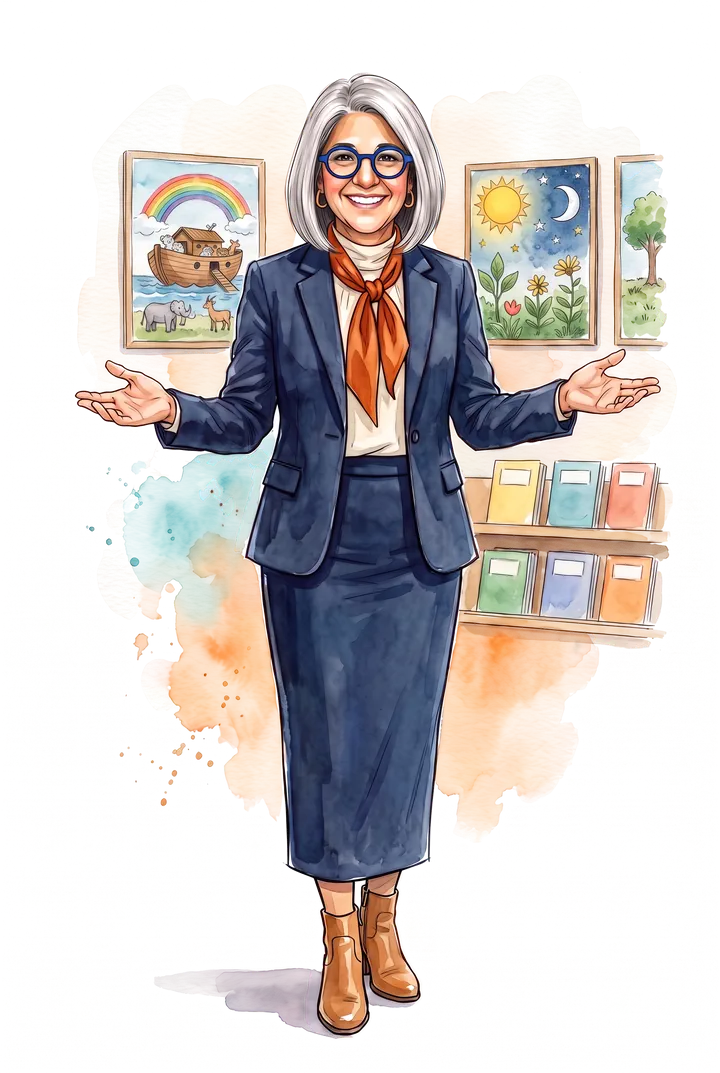
Hi, I'm Sarit Kaplan
I'm the founder of AIMducate. For many years I worked as a graphic designer and a graphic design instructor, and along the way I discovered that teaching is a true passion of mine.
I love taking complex material and making it engaging and accessible. This workbook does exactly that for Canva: one clear step at a time, so you can create polished, purposeful materials in a fraction of the time.